Language and System Terminology
Step 1: Accessing Additional Languages
- Select "My settings" to configure
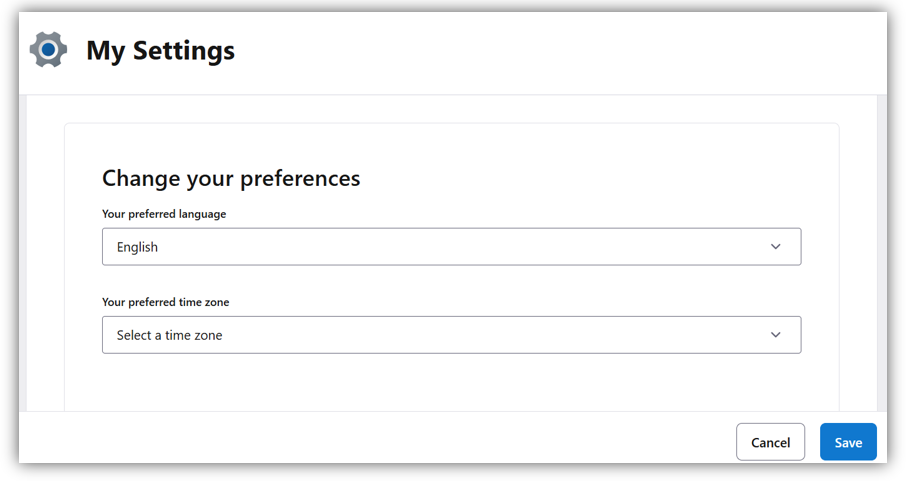
- Selecting a language will have immediate effect; the internet browser will refresh automatically and display all of the terminology on Performance & Talent in the desired language.
- Select "Save" to save the changes
- Additional considerations:
- Consider the impact on records and data input into the system.
- Think about potential issues with communication, such as Check-In Notes.
- Organisations using multiple languages may want to standardise communication in one language.
